

View our full range of products
including made to order items
A New Shopping Experience!
Select ‘Full Catalogue’ to view our full catalogue including items subject to custom manufacturing, POA and longer lead times.
Select ‘Buy Online’ to view all products available to purchase online today.
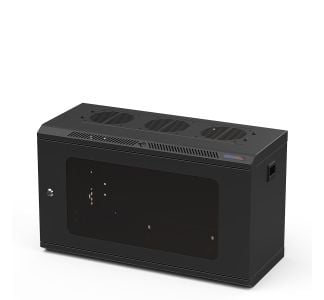
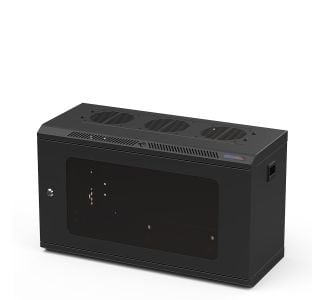
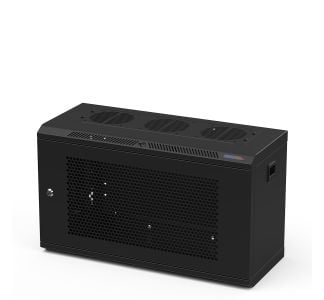
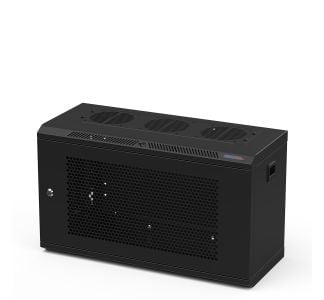
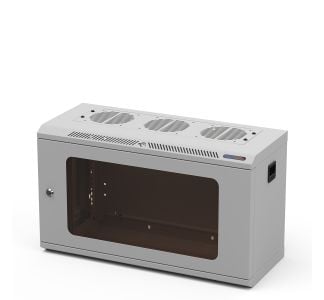
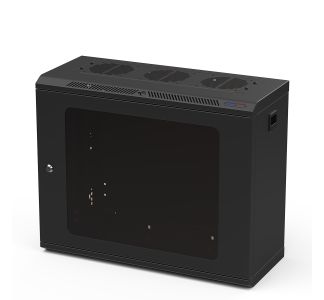
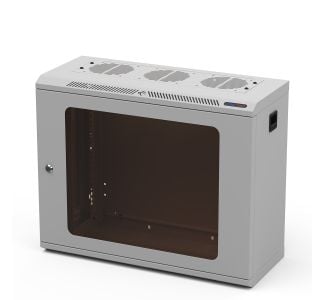
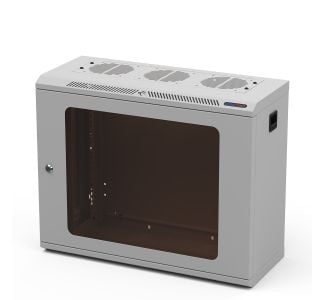
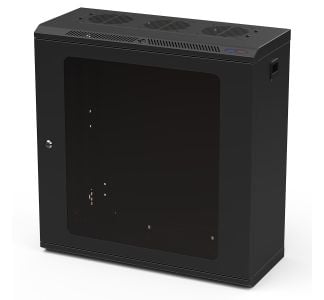
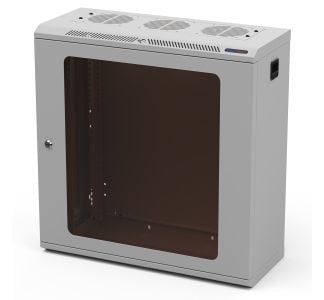
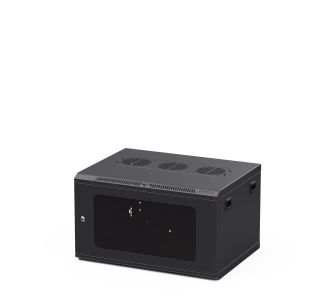
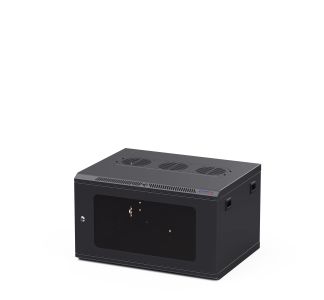
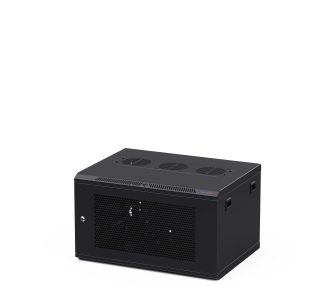
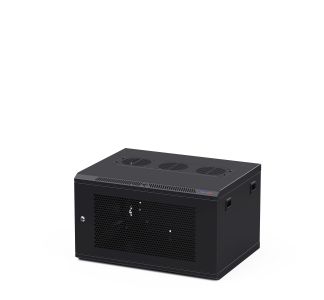
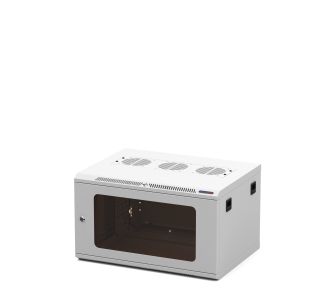
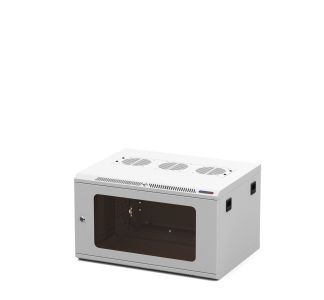
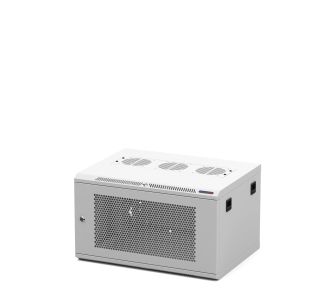
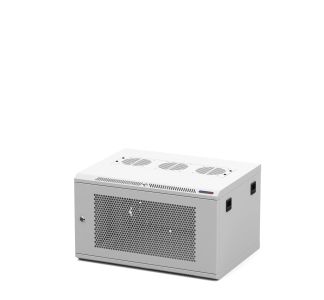
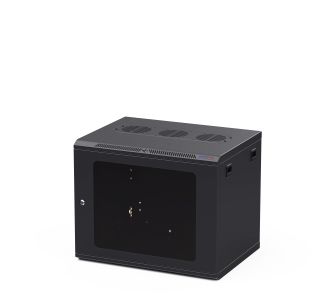
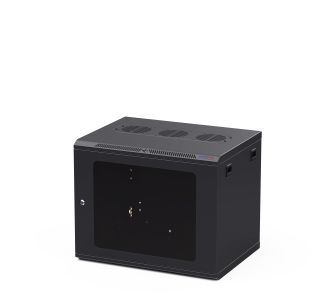
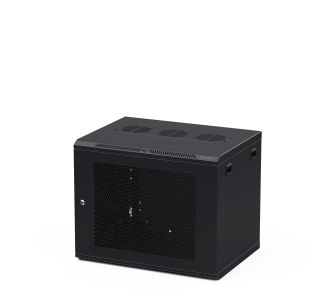
Pro Series Wall Mount Racks are premium 19-inch rack cabinets designed to mount onto a wall, saving floor space in smaller installations. They suit AV systems, networking and IT equipment, CCTV, comms cabinets, and house or office systems where a full floor-standing rack would be too large. The range is available in a choice of depths, rail threads, door types, and finishes, with solid steel construction throughout.
They are built for installations where space is limited and the equipment load is modest, such as retail and hospitality AV, small server and comms rooms, security and CCTV setups, classrooms, and residential systems. Mounting the rack on the wall keeps equipment off the floor, secure, and tidy.
Yes. The Pro Series designation covers Penn Elcom's premium racking range, which includes the enclosed server rack enclosures, the open tower racks, and the wall mount racks. All share the same build quality and specification standards. The wall mount format is the space-saving option for smaller, fixed installations.
Our main range covers 6U, 9U, 12U, and 18U, which suits everything from a small AV or network install up to a fuller comms cabinet. Heights range from around 351mm for the 6U up to 885mm for the 18U. Each U of usable mounting height equals 44.45mm.
The Pro Series Wall Racks come in 250mm, 450mm and 600mm deep options. The 250mm deep shallow racks are best for shallow-mount equipment and installations where space is tight, such as network switches, media players, small mixers, control processors and AV interfaces. The 450mm depth suits patch panels, switches, AV equipment, and shorter devices, while the 600mm depth gives more room behind the equipment for cabling and connectors, or for deeper hardware. As a guide, measure the deepest item you plan to mount and allow additional space at the rear for cable routing.
The rack projects from the wall by roughly its stated depth, so a 250mm deep rack stands out around 250mm, a 450mm deep rack 450mm, and a 600mm deep rack around 600mm, before allowing for cabling and any clearance you leave at the rear. Check the depth of the model you choose against the space available in the room, particularly in walkways or doorways.
A rack unit, written as U, is the standard height measurement for rack-mounted equipment, with one U equal to 44.45mm. Add together the U height of everything you plan to mount, then allow extra space for cable management, temperature control, power, and any future additions. Our Rack Unit Calculator helps you check this and calculate U sizes easily.
The Pro Series wall racks are available with either M6 threaded rails or 10/32 threaded rails. M6 is the common standard across most European installations, while 10/32 is widely used in North America. Choosing the thread that matches your hardware avoids the need for adaptor fixings.
Yes. The threaded rails adjust for depth, so equipment of different sizes can be positioned correctly within the rack and cabling routed cleanly behind it.
The rack is anchored to the wall through fixing points in the rear of the frame. Penn Elcom supplies a coach bolt kit for anchoring wall mount racks (R64/R66-SCREW-PACK). The fixings and method should always suit the wall type, so a solid masonry wall and a stud partition will need different approaches. We recommend the rack is installed by a competent person, with the fixings and wall capable of supporting the rack and the full weight of the equipment inside it once loaded.
The safe load depends on both the rack size and the wall it is fixed to. The wall, the fixings, and the rack all need to support the combined weight of the rack and its contents. For the maximum recommended load of a specific model, check the descriptions on the product page or the data sheet under Technical Information, or feel free to contact the Penn Elcom team before specifying.
The wall mount racks are supplied as a complete cabinet ready to install, rather than as a flat-pack rack kit. Beyond fixing the rack to the wall and making your connections, no cabinet assembly is required.
The racks are designed primarily for wall mounting, but a set of adjustable steel feet (F3000) is available if you need to stand the rack on a desk, shelf, or floor instead. Confirm the surface can take the weight of the rack and its equipment beforehand.
The front door is removable for easier access when fitting equipment, and the side panels are removable to reach the sides of mounted hardware and the cabling behind it. Cable access is provided at the top, base, and rear of the rack.
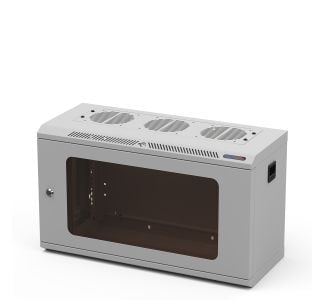
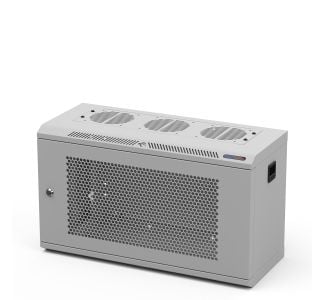
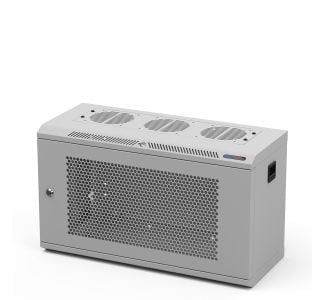
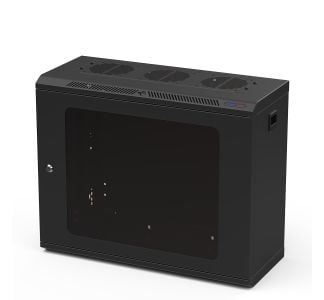
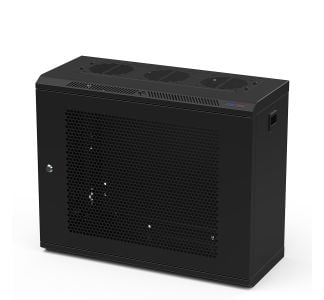
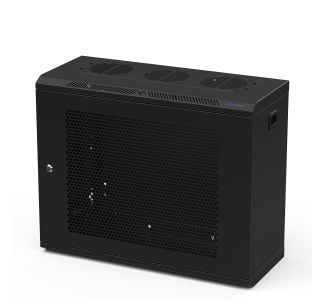
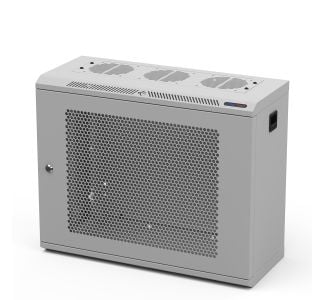
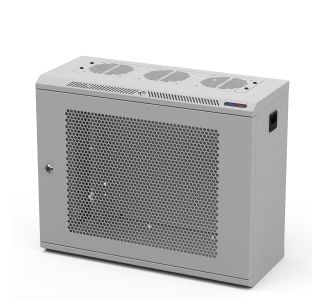
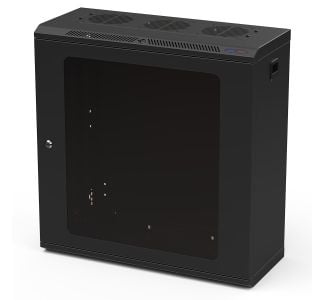
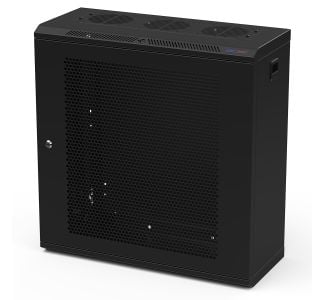
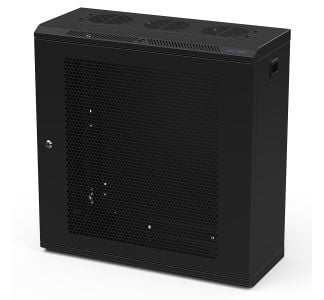
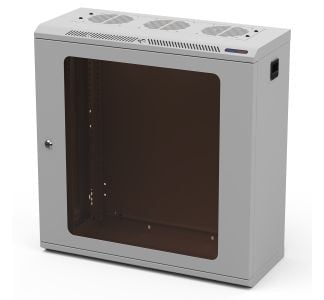
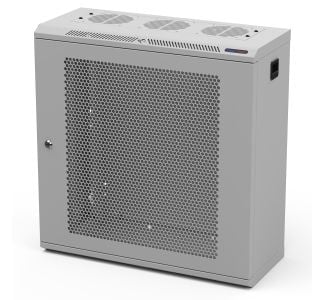
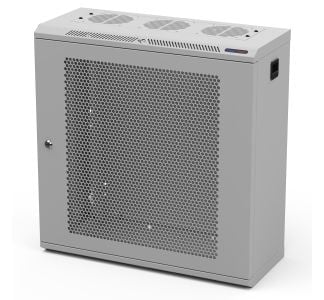
A polycarbonate door gives a clear view of the equipment while keeping it enclosed, which suits AV and display settings or areas where dust is a concern. A vented steel door improves passive airflow, which is the better choice where heat build-up is a priority. Both door types are lockable.
Yes. The front door is lockable on the Pro Series Wall Mount Racks, which helps keep equipment secure in shared, public-facing, or unsupervised spaces. The door is also removable for installation and maintenance.
Yes. The side panels are removable, giving access to the sides of the rack during installation and servicing without disturbing mounted equipment.
Yes. The top panel includes fan knockouts so active cooling can be added where needed, and a vented front door option is available as an alternative to polycarbonate where passive airflow is the priority. Penn Elcom also supplies compatible rack fans and power distribution units.
Cable entry is available at the top, base, and rear of the rack with cable knockouts available for most of the range (250mm deep models do not have a top cable knockout). An integrated internal cable management system helps route and organise cabling within the rack.
The Pro Series Wall Mount Racks are available in black or white as standard, so the rack can be matched to the room/environment, which is useful in visible AV, retail, and office installations.
Penn Elcom can accommodate custom requirements on enquiry, including sizes, finishes, and configurations not listed online. Contact the Penn Elcom team to discuss your installation.
sgm_clp_1 div for segmentify